How iLearnRight works
One course, five ways to study it, and a schedule that brings back what you are about to forget.
- 1
Say who you are
Finish setting up as a school student, a parent or guardian, or a professional, and pick a goal. It decides what your home screen and the catalog show first; you can use everything either way.
- 2
Pick a course
Browse the catalog by audience, subject and format, open a course page to see its syllabus and the ways you can study it, and add it to My Courses.
- 3
Study in short sessions
Read a lesson, practise, review flashcards or listen. What you miss decides what comes next.
- 4
Get help when you are stuck
Ask the AI coach, or book a 1-to-1 lesson with an approved human tutor.
Learn, listen, review, practice, get help
Each course page lists the modes that course has today, under Ways to study.
Learn
Step-by-step lessons for each topic, with worked examples, diagrams and videos where a course has them.
Listen
Audio lessons you can play on a walk or a commute, with the transcript beside them.
Review
Flashcard decks for the facts, formulas and words that need repetition.
Practice
Questions matched to what you missed, plus timed mock tests on test-prep courses.
Get help
Ask the AI coach about a lesson or a missed question, or book a 1-to-1 lesson with a human tutor.
Not every course has every mode yet. Each course lists the modes it has today.
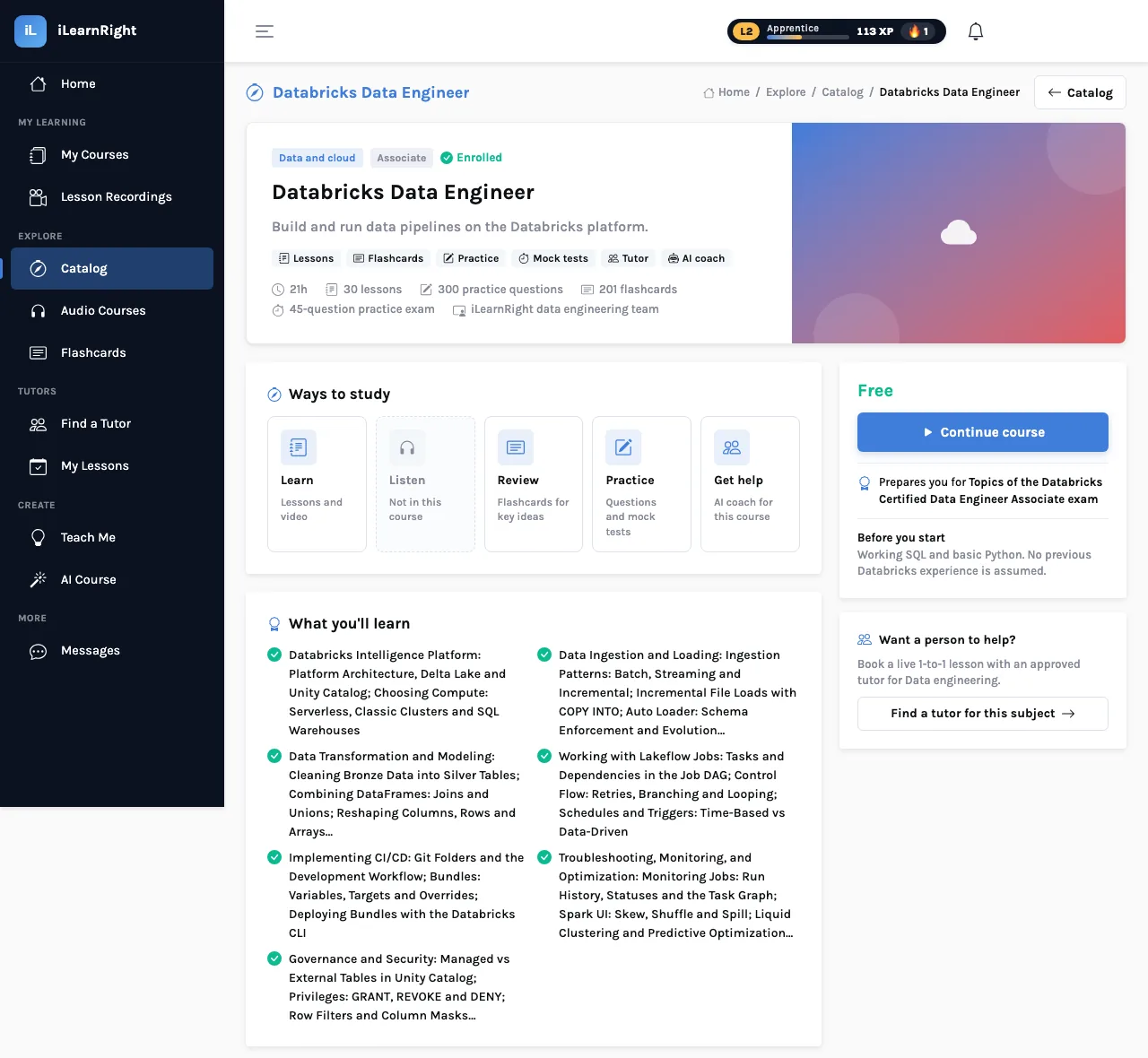
Ways to study, stated plainly
A mode a course does not have yet is shown as not in this course, so you know before you start. On this course the lessons, flashcards, practice and practice exam are there and the audio is not recorded yet.
Units, topics and where you stand on each
A course is a map of units and topics. Each topic has its lesson, its practice and, where the course has them, videos, audio and flashcards.
- Mastery on every topic. weak, developing or solid, from your recent answers rather than from time spent
- Prerequisites. topics record which earlier topics they build on, so you can see what to revisit first
- Keeps pace with a class. on school courses you tell it where your class is and it follows along
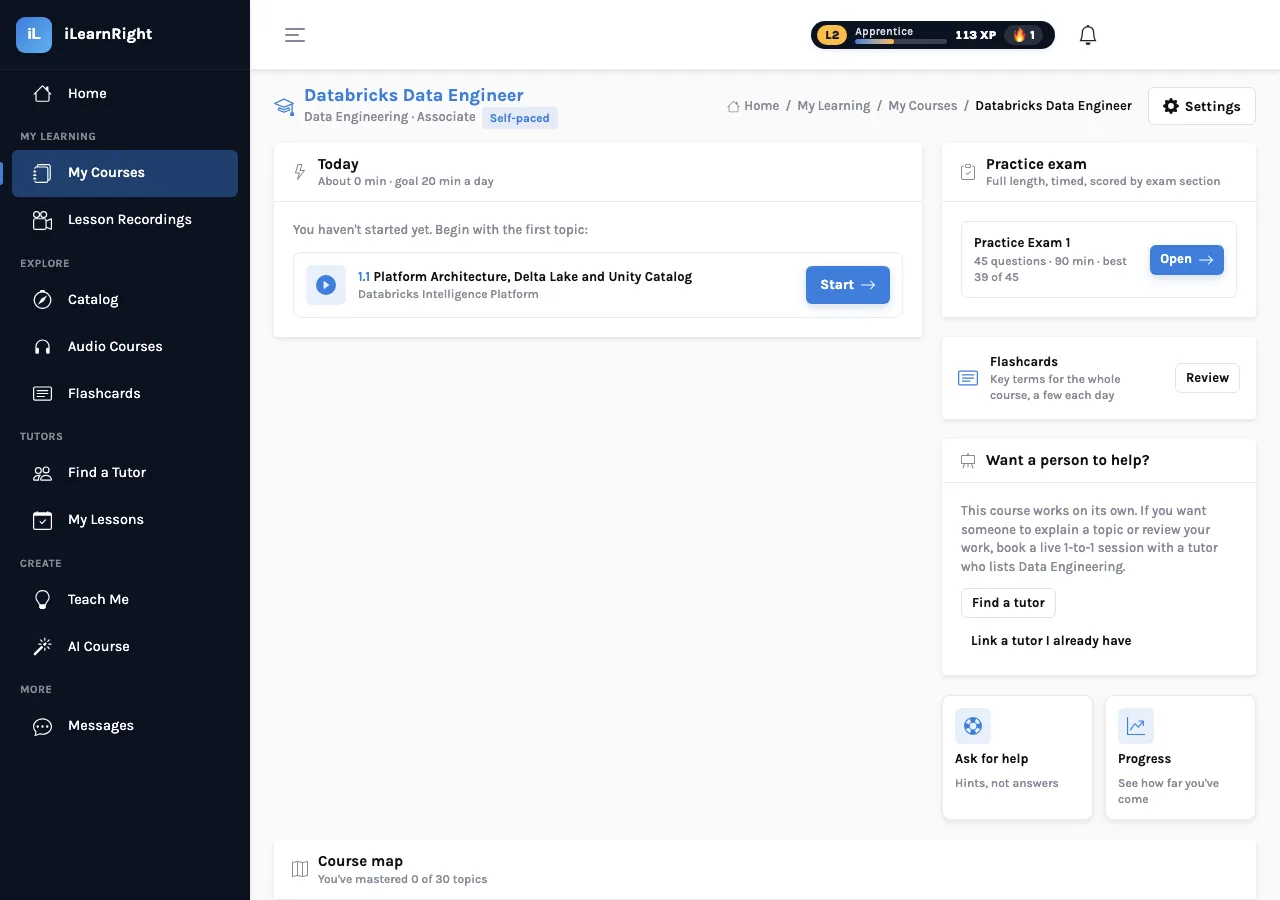
What you miss decides what comes next
Every question is tagged with a skill and, on the SAT course, a finer sub-pattern. The app keeps a rolling mastery score for each and chooses the next questions from the weakest.
- Credit, not just right or wrong. a clean answer earns full credit; hints and viewed solutions earn less
- Recent work counts most. one lucky guess does not make a topic solid, and one slip does not undo a good month
- An honest “I don't know”. skipping earns nothing and simply brings the pattern back sooner
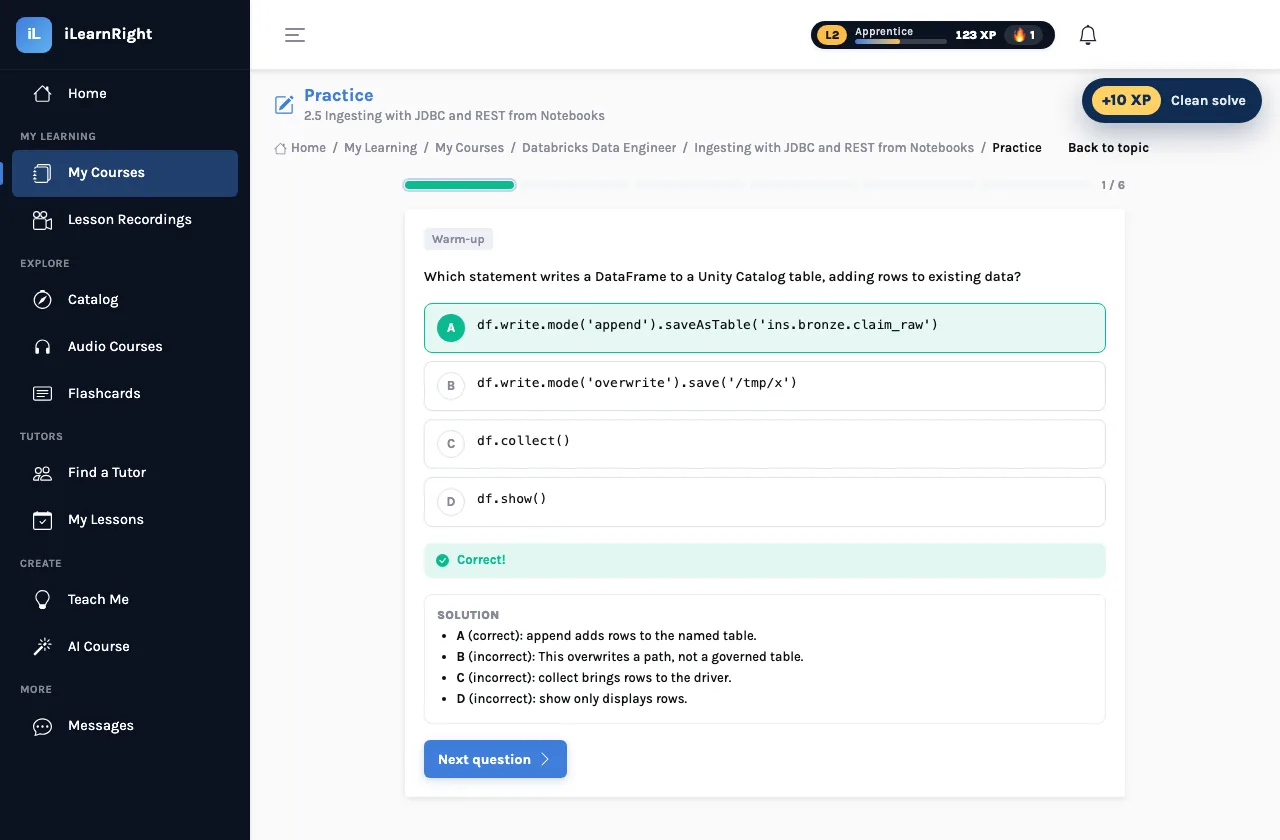
Back just before you would forget it
Reviewing something the day after you learn it, then a few days later, then after longer gaps, takes less time than re-reading and holds better. iLearnRight schedules that for you.
- Flashcards. grade each card Again, Hard, Good or Easy. Good answers push the next review out; Again brings the card back tomorrow. Gaps never grow past six months
- SAT question patterns. a missed pattern returns the next day and then at growing gaps
- Course topics. topics you have learned on a school or professional course are scheduled for review the same way
One streak and one XP total across your courses
Studying in any course on a day keeps your streak. XP from SAT practice and from reviews in other courses adds to a single total, so a student doing SAT prep and an AP course is not juggling two counters.
Daily Quest
On the SAT course, a short daily set aimed at your weak patterns.
Weekly plan
The week's weakest topics in order: review the lesson, then drill it.
Progress you can read
Mastery by topic, score estimates on test-prep courses, and what to study next.
What the AI coach does, and what it does not
It does
- Explain. a lesson, a missed question or a step you did not follow
- Suggest. what to work on next from your weak areas
- Write more practice. on the pattern you just missed
- Build a course on request. Teach Me generates lessons, narration and quizzes for a topic you describe
It does not
- Get everything right. AI makes mistakes. Explanations show their working so you can check them
- Hand over graded homework answers. homework help gives hints one step at a time
- Replace a teacher. a human tutor is one booking away, and your own teacher's word comes first
- Run without limits. AI features have a daily allowance per account
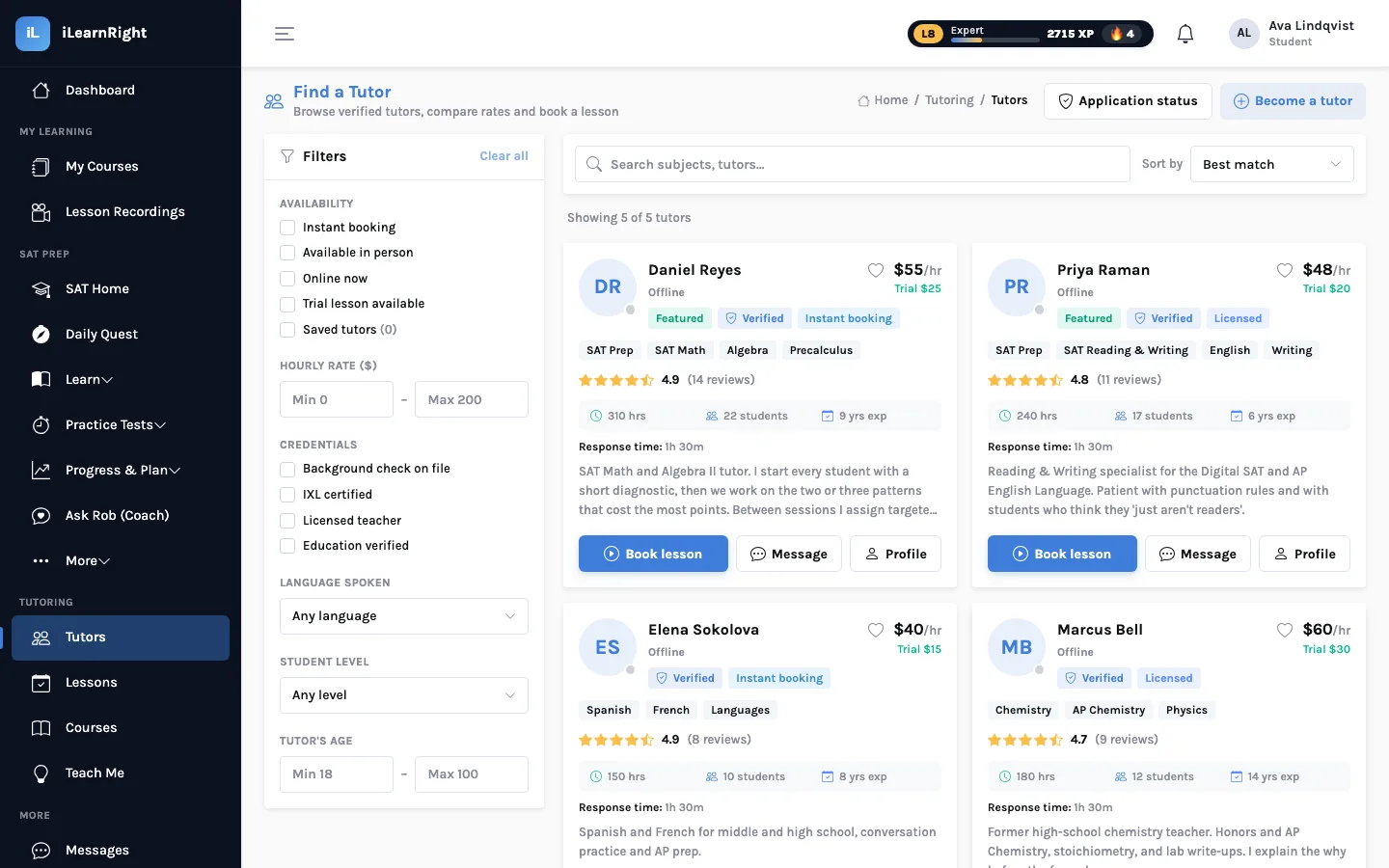
A person, with your practice data in front of them
- Approved tutors. tutors apply and our team reviews each application before a profile is listed
- Book from real availability. pick an open time on the tutor's calendar
- A classroom in the browser. video, screen sharing, a shared whiteboard, a code pad and chat
- Lessons that connect to the course. on school courses the tutor plans from what you missed and writes a wrap-up afterwards
See it on a real course
The Digital SAT course uses every mode on this page.