For tutors and teachers
Teach with each student's practice data in front of you. Set your own subjects, rate and hours.
- 1
Apply
Create a tutor account and complete the application: subjects and levels, experience, education and supporting documents.
- 2
We review it
Someone on our team approves or declines. Your profile is listed in Find a Tutor only after approval.
- 3
Set your schedule
Publish weekly availability and block time off. Students book from your open times.
- 4
Teach and follow up
Meet in the built-in classroom, assign homework, and see what each student missed before the next lesson.
Everything for a lesson, in the browser
- Video and screen sharing. no separate meeting link to send
- A shared whiteboard. draw and write together, and save a snapshot
- A code pad. for programming and data lessons
- Recording. you decide when to record; both sides see that it is on
- The lesson plan beside you. on school courses, the plan and the student's recent misses sit in a side panel
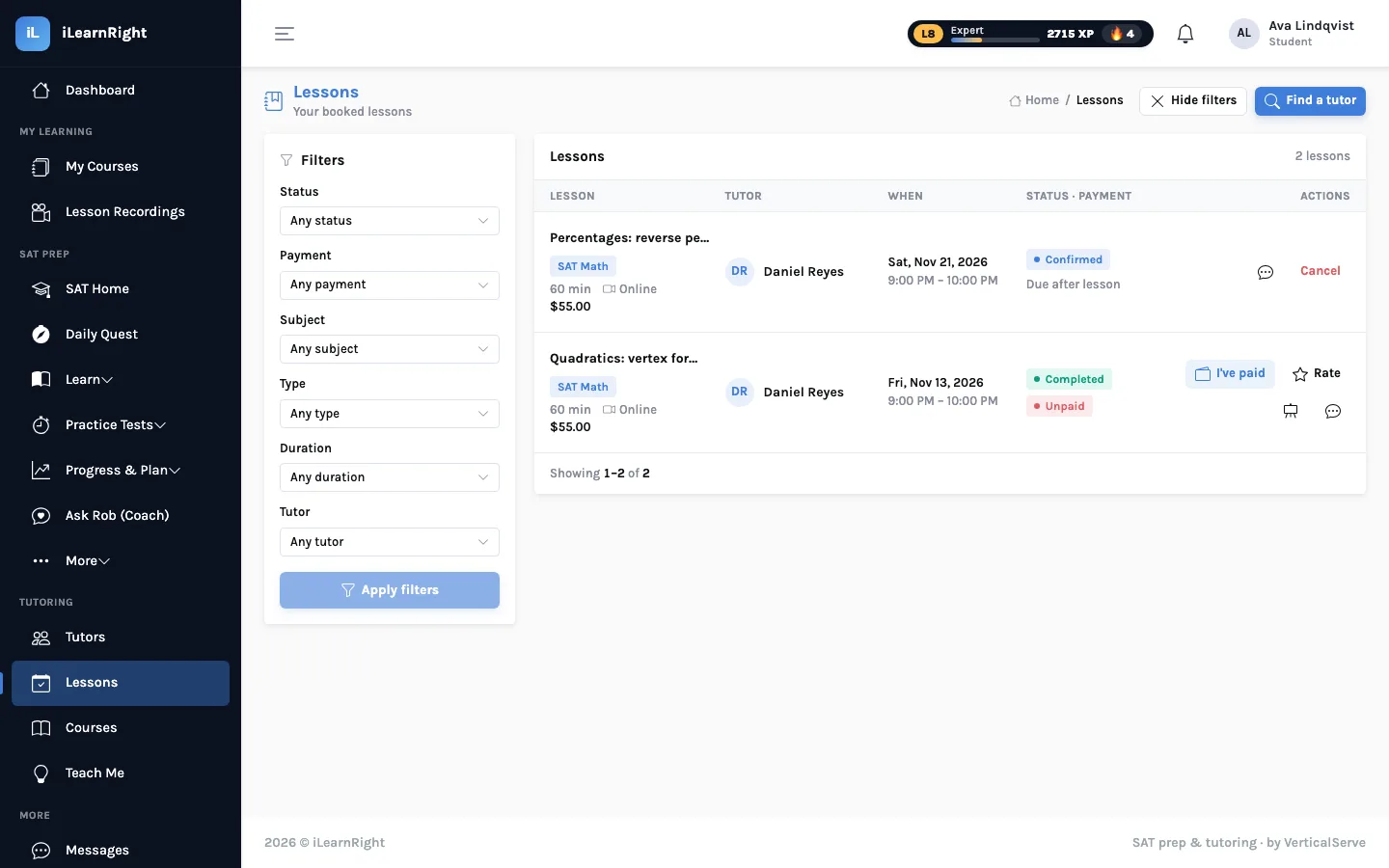
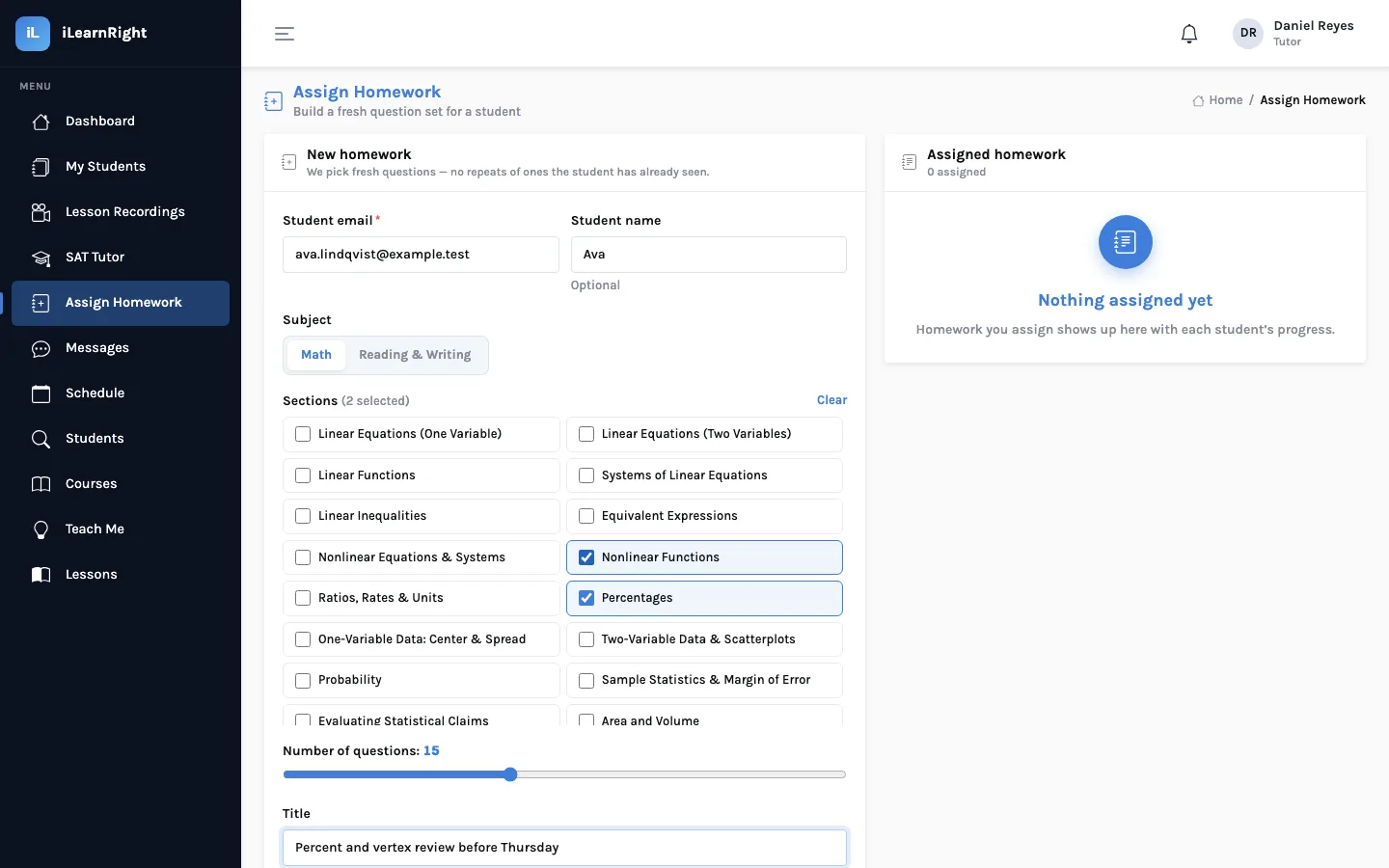
Know what to teach before you start
- My Students. each student's courses, mastery by topic and recent practice
- A weekly lesson cycle. the student says what they need, you plan the lesson, teach it, and write a wrap-up with what to practise next
- Homework. assign SAT homework or course homework and review how it went
- Messages. answer questions in the app between sessions
Students pay you directly
How it works today, stated plainly.
- You set the rate. your hourly rate, and a trial lesson price if you offer one, are on your profile
- The student pays you after the lesson. by Venmo or Zelle, using the details you add to your profile
- Both sides mark it. the student marks the lesson as paid and you confirm you received it
- No commission today. iLearnRight does not take a cut of lesson fees and does not process lesson payments
What tutors ask
Who can apply?
Tutors and teachers of school subjects and test prep, and practitioners who want to teach adults. We are especially looking for data engineers who can teach Databricks.
How long does approval take?
Someone on our team reads every application. We do not promise a turnaround time; you can see your application's status in the app.
How do I get paid?
Students pay you directly after each lesson, at your hourly rate. You add your Venmo or Zelle details to your profile, the student marks the lesson as paid, and you confirm it. iLearnRight does not process lesson payments today.
Does iLearnRight take a commission?
Not today. If that changes we will tell tutors before it does.
Do you run a background check on me?
No. Your profile shows the credentials you stated and the documents you supplied. We tell parents and students that we do not run independent checks.
Can I record lessons?
Yes. Only the tutor can start a recording, both sides see when it is on, and the recording is kept with the student's course.
Want to tutor on iLearnRight?
Tutor accounts are by invitation while we grow. Tell us what you teach and we will send a code.