An hour a week with a good tutor is valuable. The other 167 hours are where scores actually move, and they're the part a tutor usually can't see. This post walks through how an independent SAT tutor can use iLearnRight to set focused work between sessions and start each lesson with evidence instead of guesses.
Daniel Reyes, independent SAT Math tutor
Daniel tutors about twenty high-school students a year, mostly SAT Math and Algebra II, all online. He used to email PDFs of practice problems, never knew which ones were done, and spent the first fifteen minutes of every lesson finding out what the student had forgotten. This is how he runs the week now. (Daniel, his students and every name on the screens are made up.)
1. A profile students can find
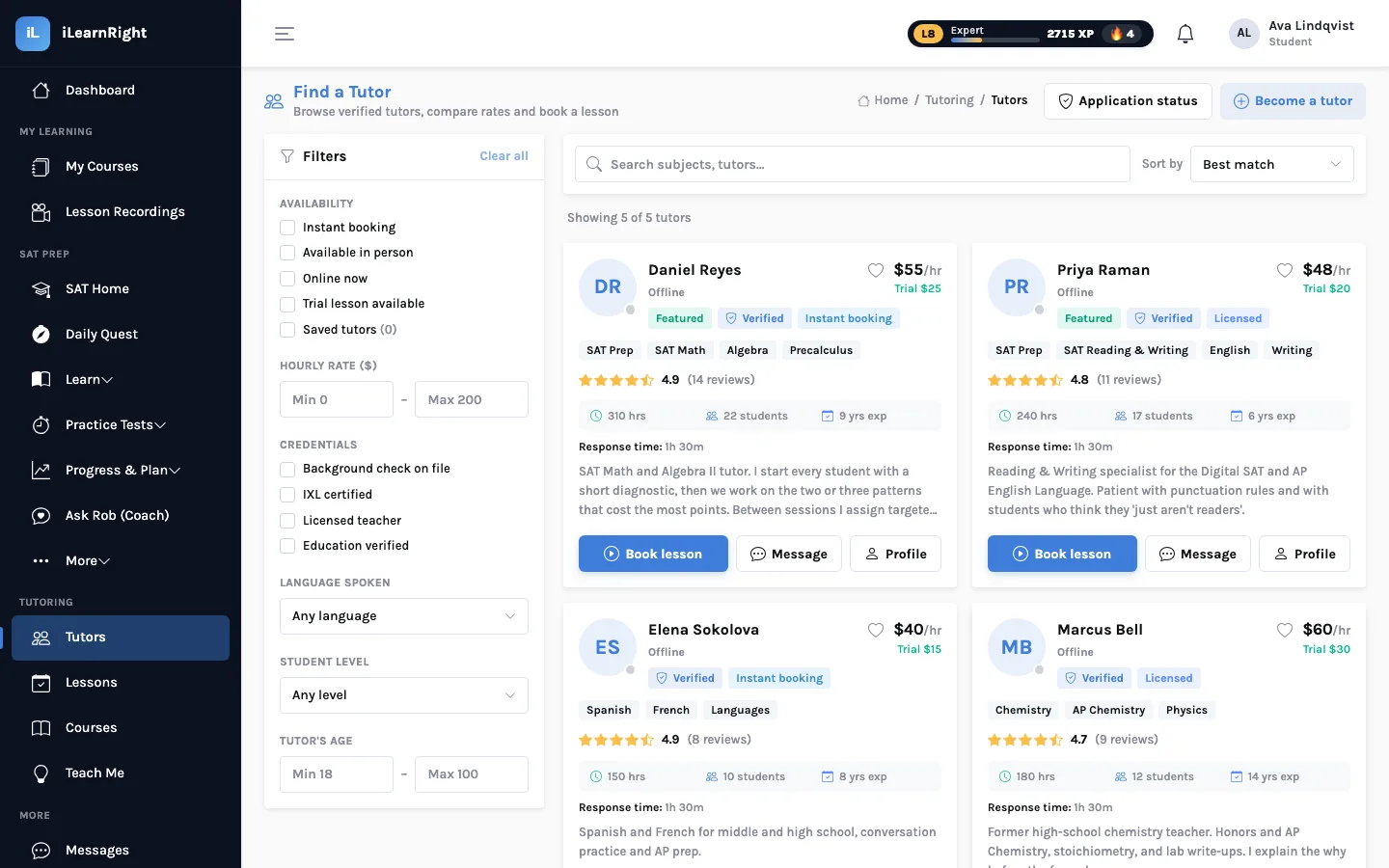
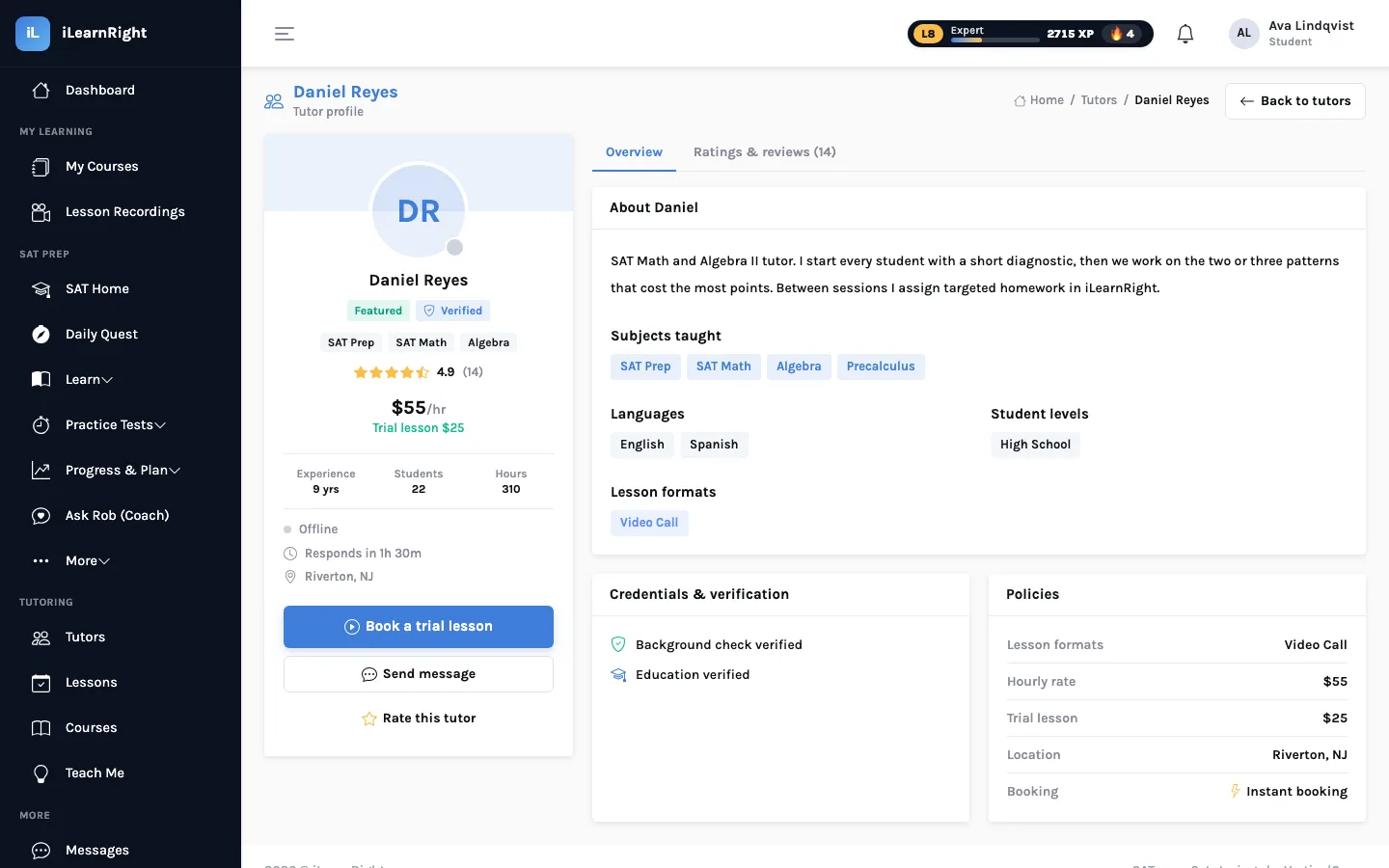
Tutors apply through Become a tutor. After the application is approved, the tutor's profile appears in the marketplace with subjects, hourly rate and trial-lesson price, languages, student levels, lesson formats, a bio, and the credentials on file (background check, licensed teacher, education verified). The tutor sets weekly availability, and students book directly into those slots. Payment details (Venmo or Zelle) are kept on the tutor's profile, because students pay the tutor directly after each lesson.
2. The week, as a loop
Assign homework from the topics you covered
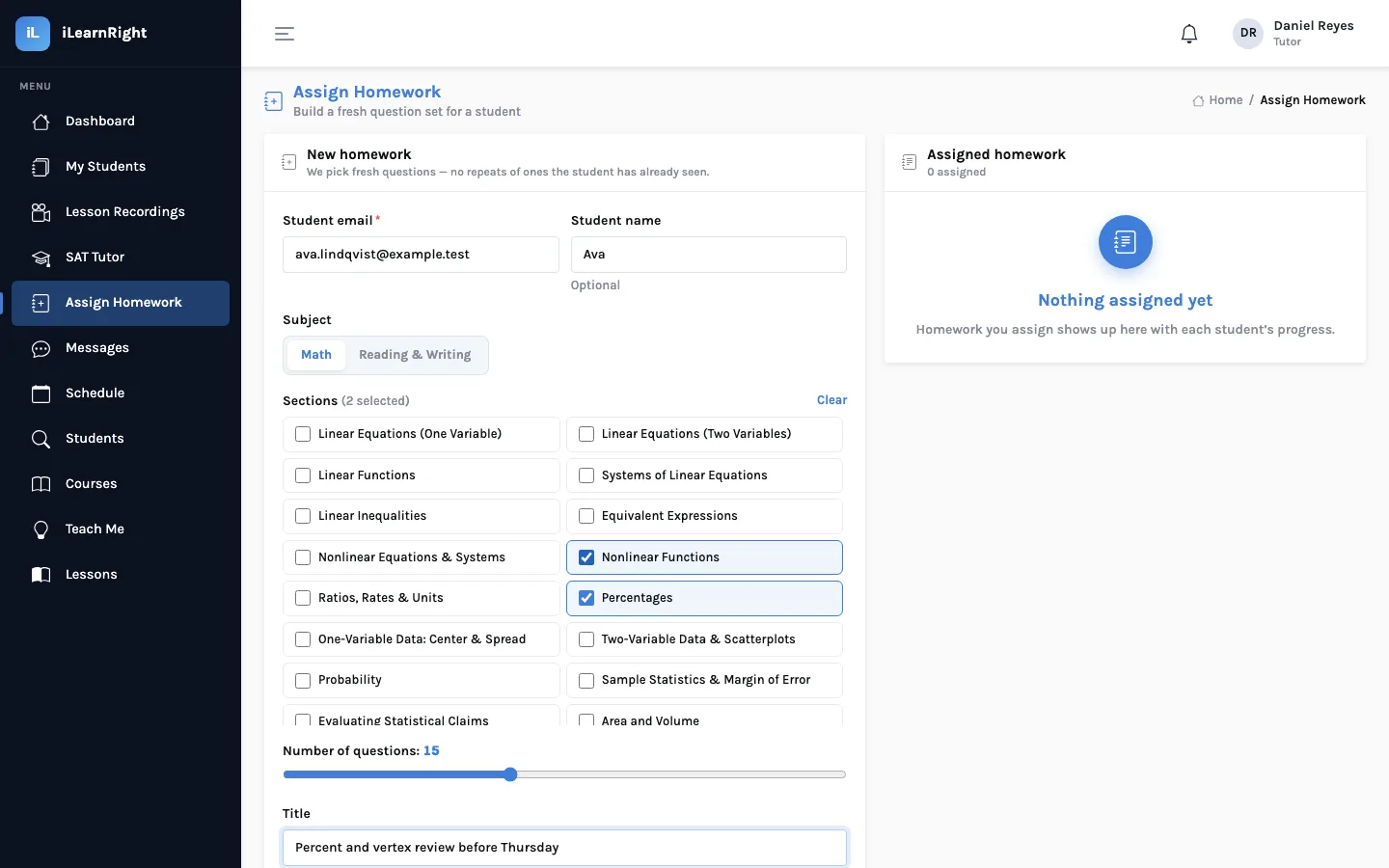
After a lesson, the tutor opens Assign Homework, enters the student's email, chooses Math or Reading & Writing, ticks the sections (every SAT skill is listed, from Linear Equations to Boundaries (Punctuation)), sets the number of questions and gives the set a title. The server builds the set from the question bank, choosing questions this student hasn't already seen where it can, and flags any repeats.
The student does it in the app
The student finds the set under Homework. Each answer is graded the moment it's submitted and then locked, with the correct answer and the explanation shown straight away, so the homework teaches as it goes. Leaving halfway is fine: reopening it resumes at the first unanswered question.
Review before the next lesson
The tutor's list of assigned homework shows each set's progress, and opening one shows every question with the student's answer, whether it was right, and how long it took. A question answered wrong in ten seconds and a question answered wrong after three minutes call for different conversations.
3. Between homework sets: the student's own practice
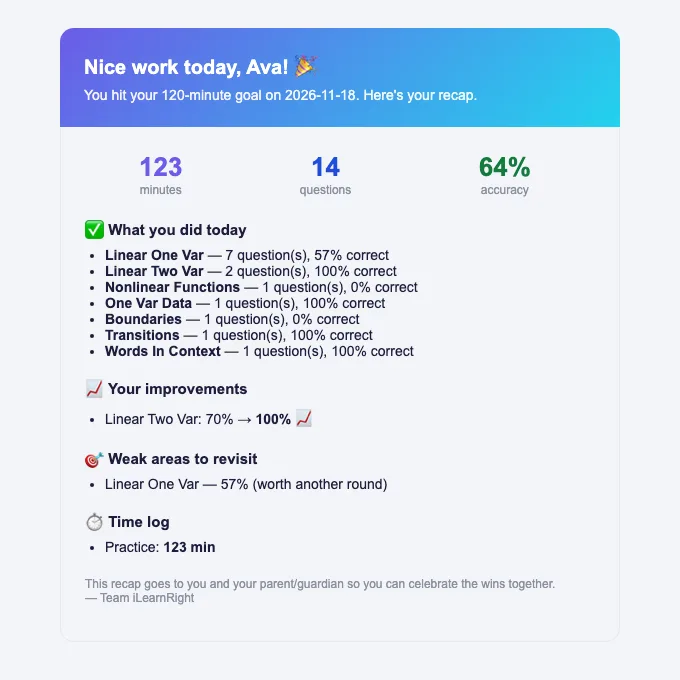
The student's daily quests keep updating their mastery by pattern all week, independently of the homework. Before a lesson, it's worth asking the student to share their Weak Areas page, or to paste their weak patterns into the booking notes, as the made-up student Ava does. Students can also add a note to each booking ("what would you like to focus on?").
Whose data is whose. A tutor always sees the homework they assigned and the lessons booked with them. Beyond that, iLearnRight only lets an approved tutor read a student's SAT records once the two share a booked lesson, and only to read. Assigning homework to an email address doesn't unlock anything.
4. In the lesson
Lessons run in iLearnRight's online classroom: video and audio, screen sharing, a shared whiteboard, a code pad and chat, all in the browser. The tutor can record a session, and recordings appear for the student under Lesson Recordings. Tutors who prepare a lesson package can run it from the classroom's Lesson tab and finish with a wrap-up.
Daniel's Thursday with Ava
On Monday Daniel assigned Ava fifteen questions on percentages and quadratics. By Wednesday night she'd done all fifteen: the vertex questions were mostly right, but four of the five reverse-percent questions were wrong, each in under a minute. Thursday's lesson skipped vertex form entirely and spent forty minutes on working backwards from a percent, on the whiteboard, followed by a new homework set on the same two sections.
Getting started as a tutor
- Apply with Become a tutor and complete your profile: subjects, rate, bio, languages and levels.
- Set your weekly availability and add your payment details.
- After your first lesson with a student, assign a short homework set on what you covered.
- Open the set before the next lesson and plan from what it shows.
See also: how students find and book a tutor.